Make Forever QR Codes
QR codes that never expire.
iPhone · iPad · iPhone Duo · Apple Watch


Pictures
iPhone
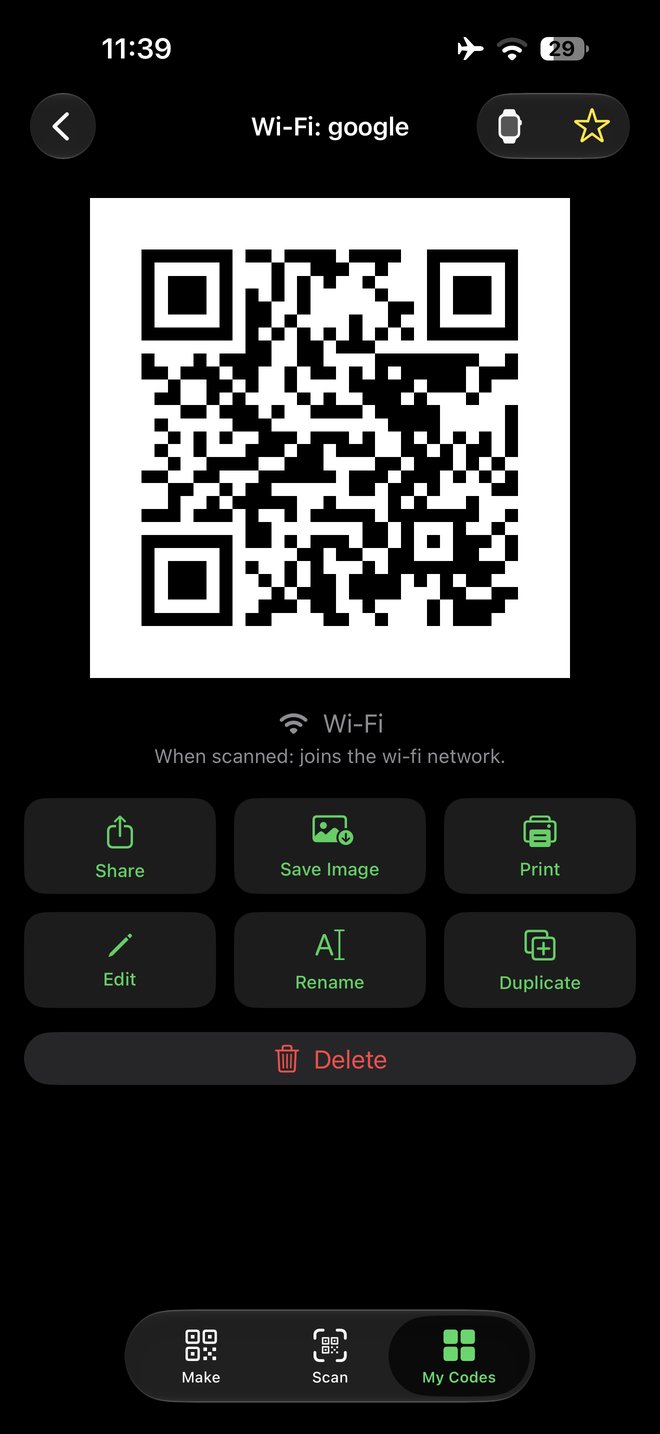
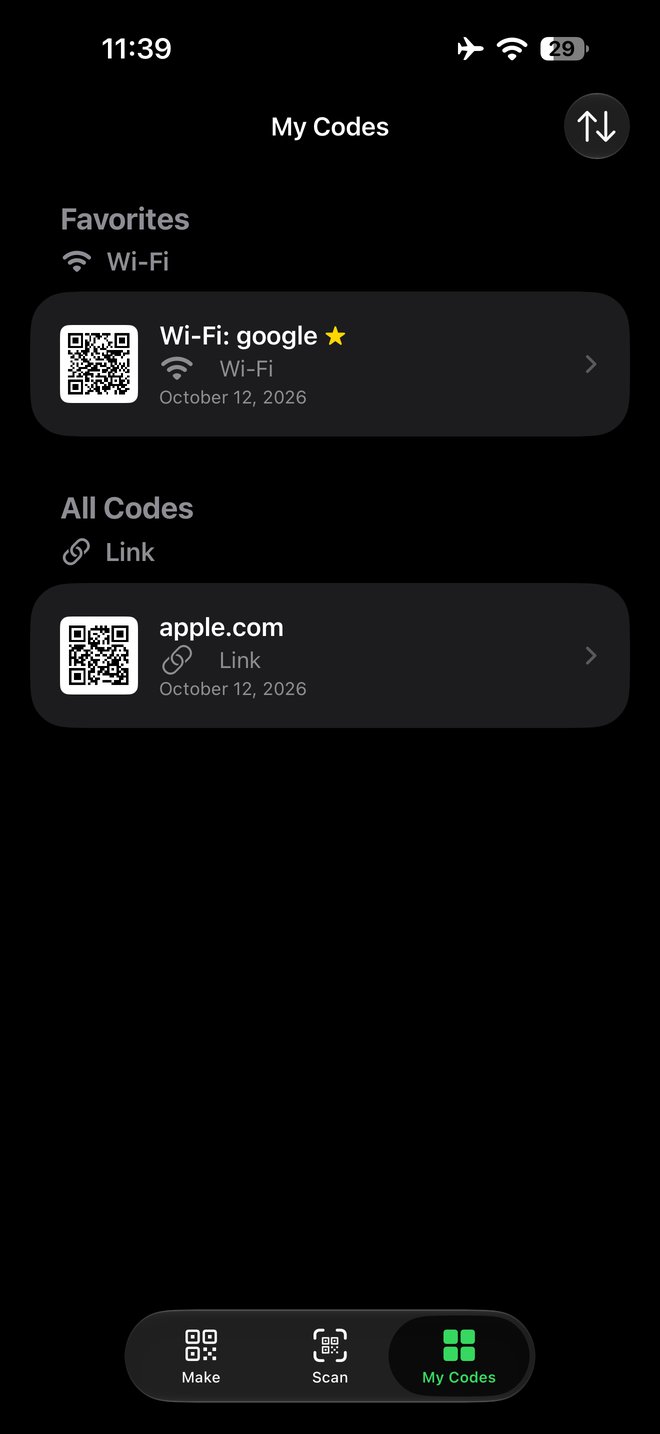
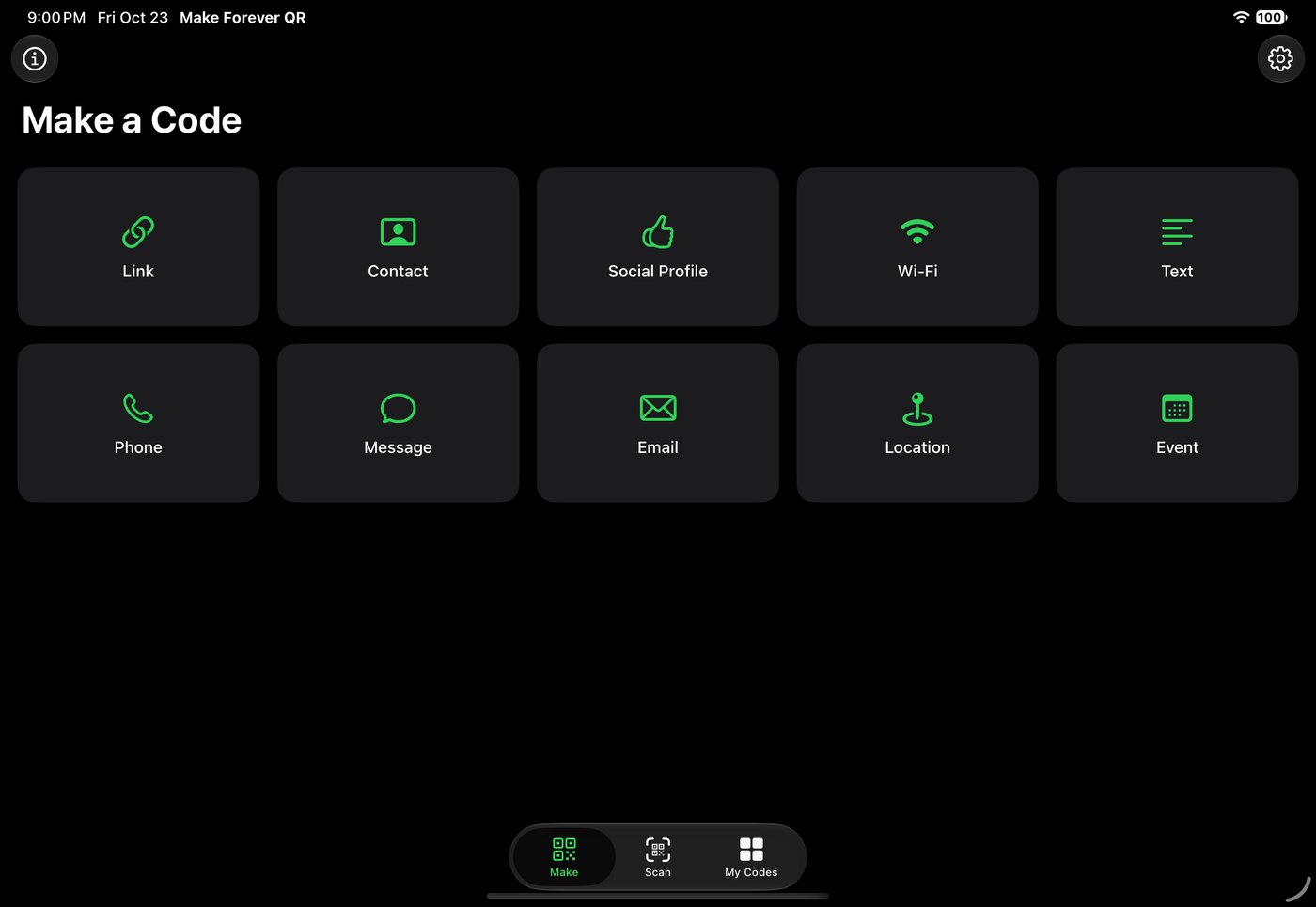
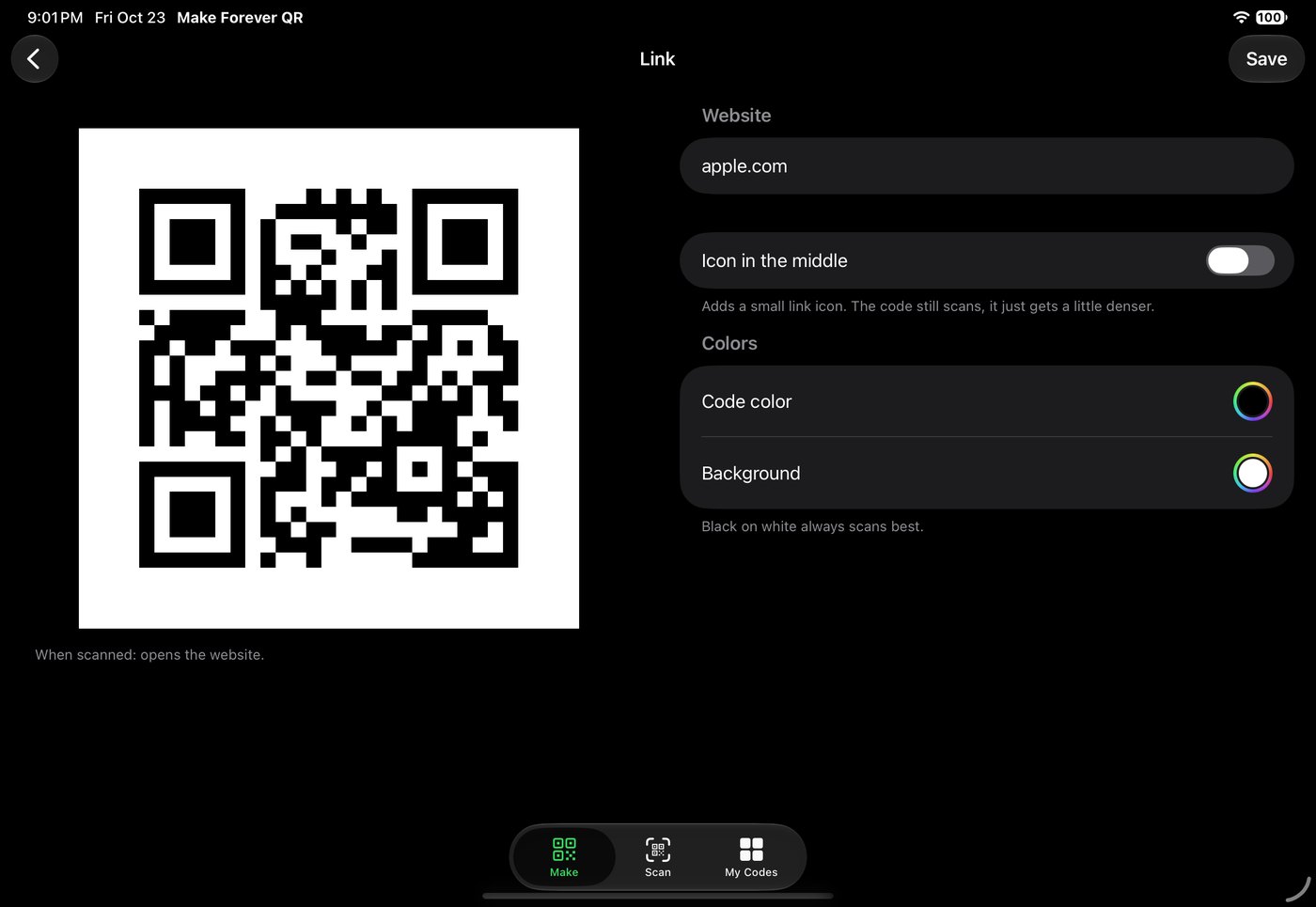
iPad
iPhone Duo
What it does
Codes that never expire
The information lives inside the squares, so no company can ever switch your codes off.
10 kinds of codes
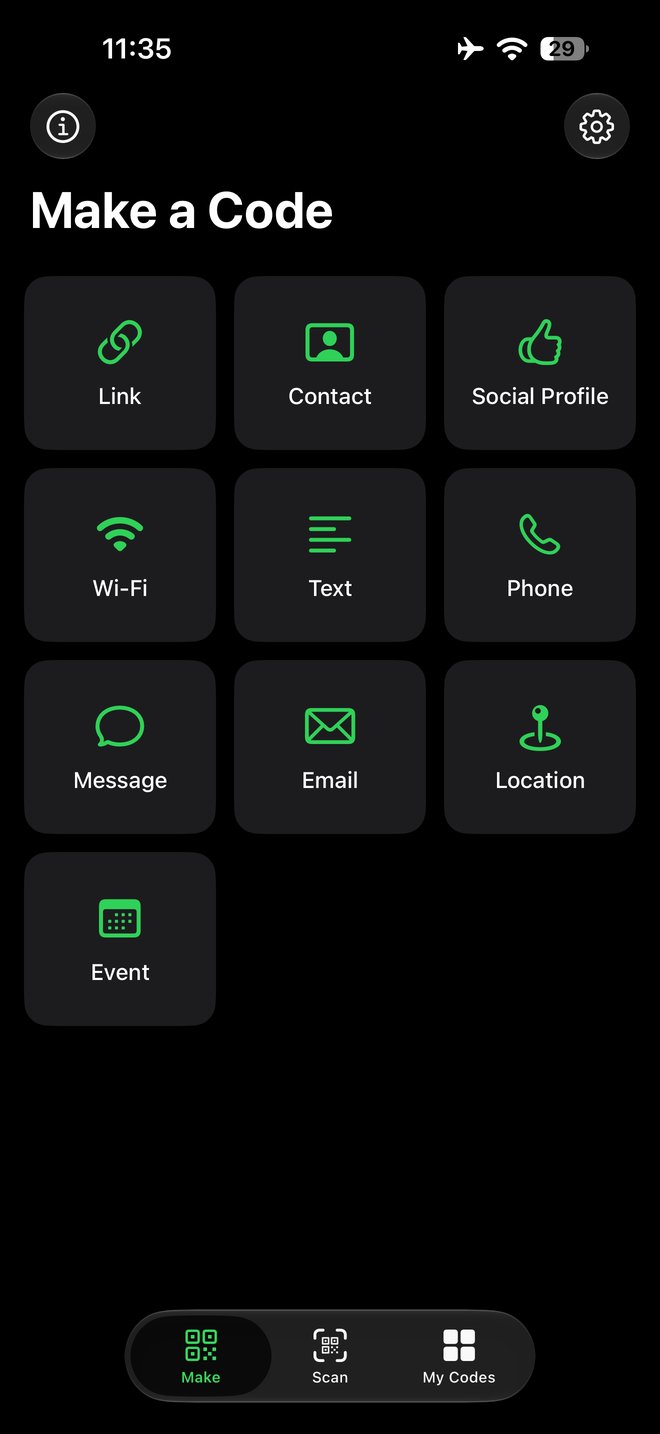
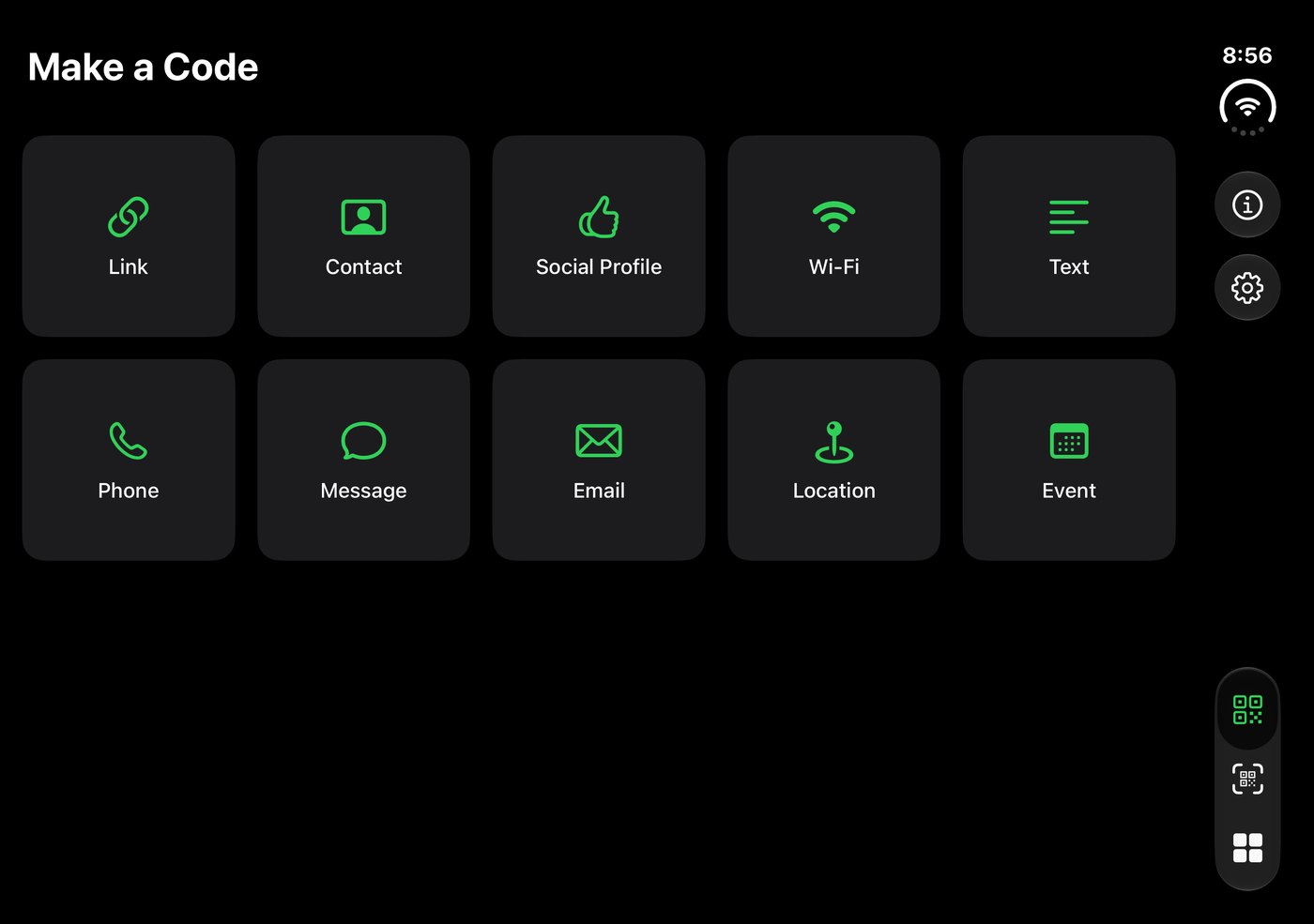
Links, contacts, social profiles, Wi-Fi, text, phone calls, messages, email, map locations and calendar events.
Save, share and print
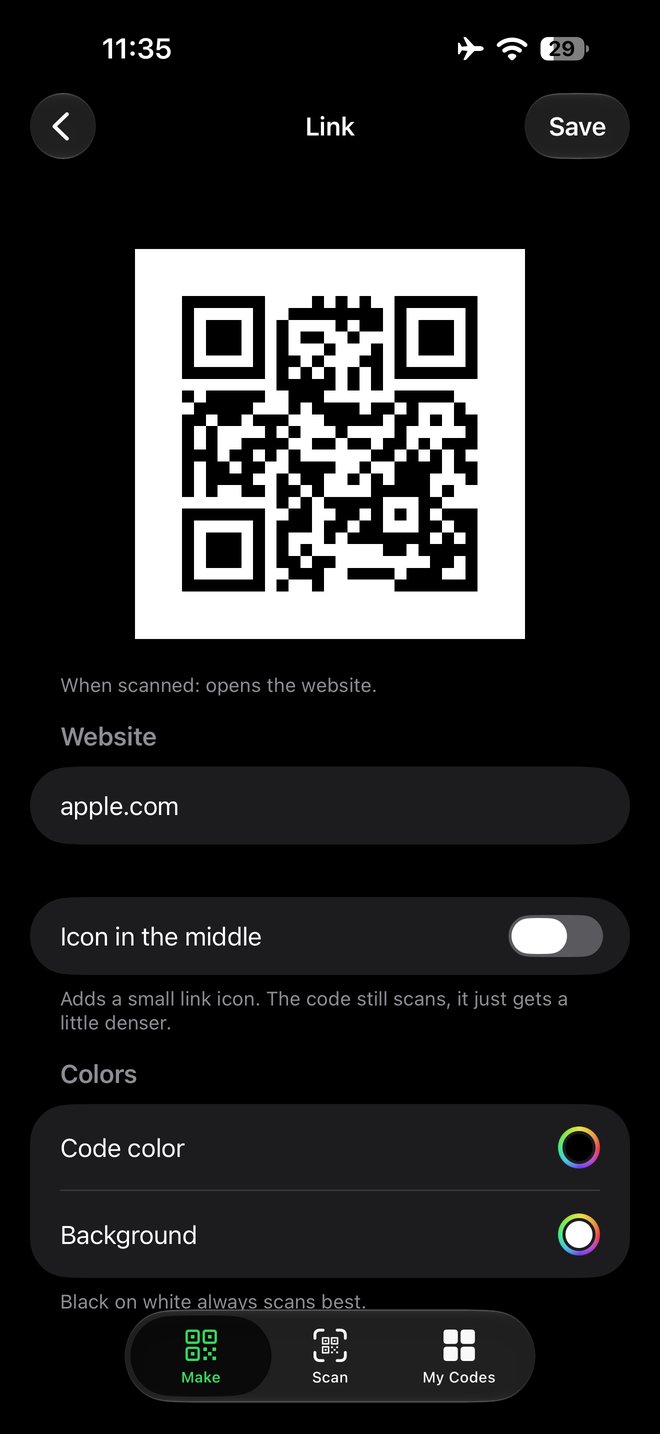
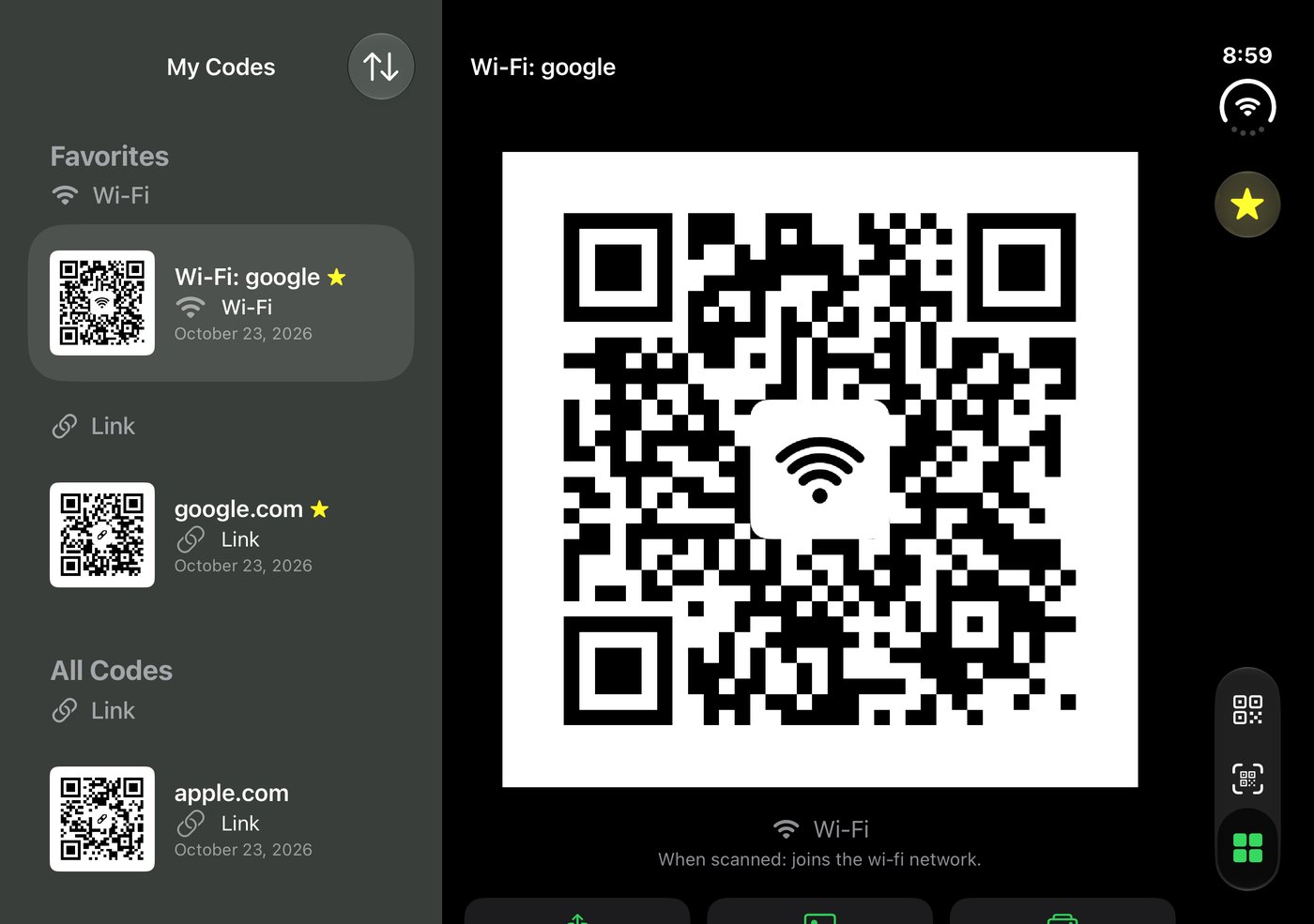
Keep every code in My Codes, share it as a picture, or print it right from the app.
Safe scanning
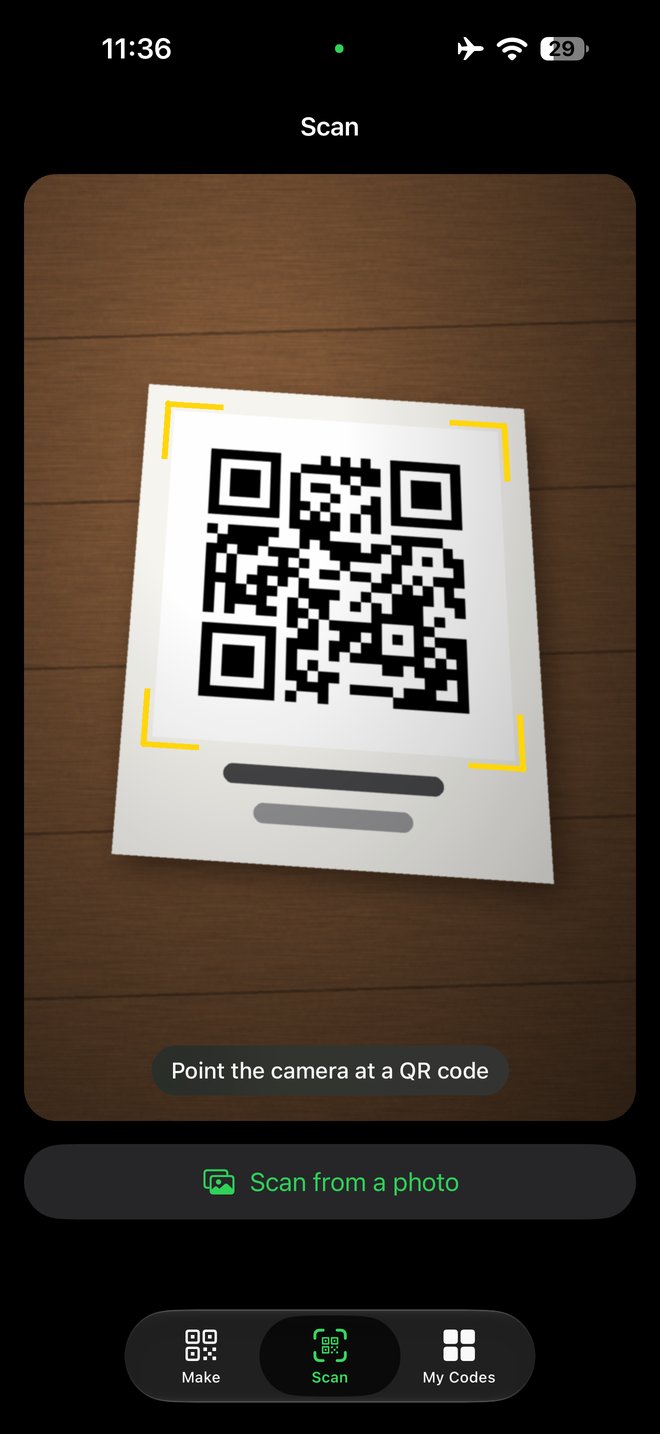
See what's inside a code before anything opens, with the website name shown clearly.
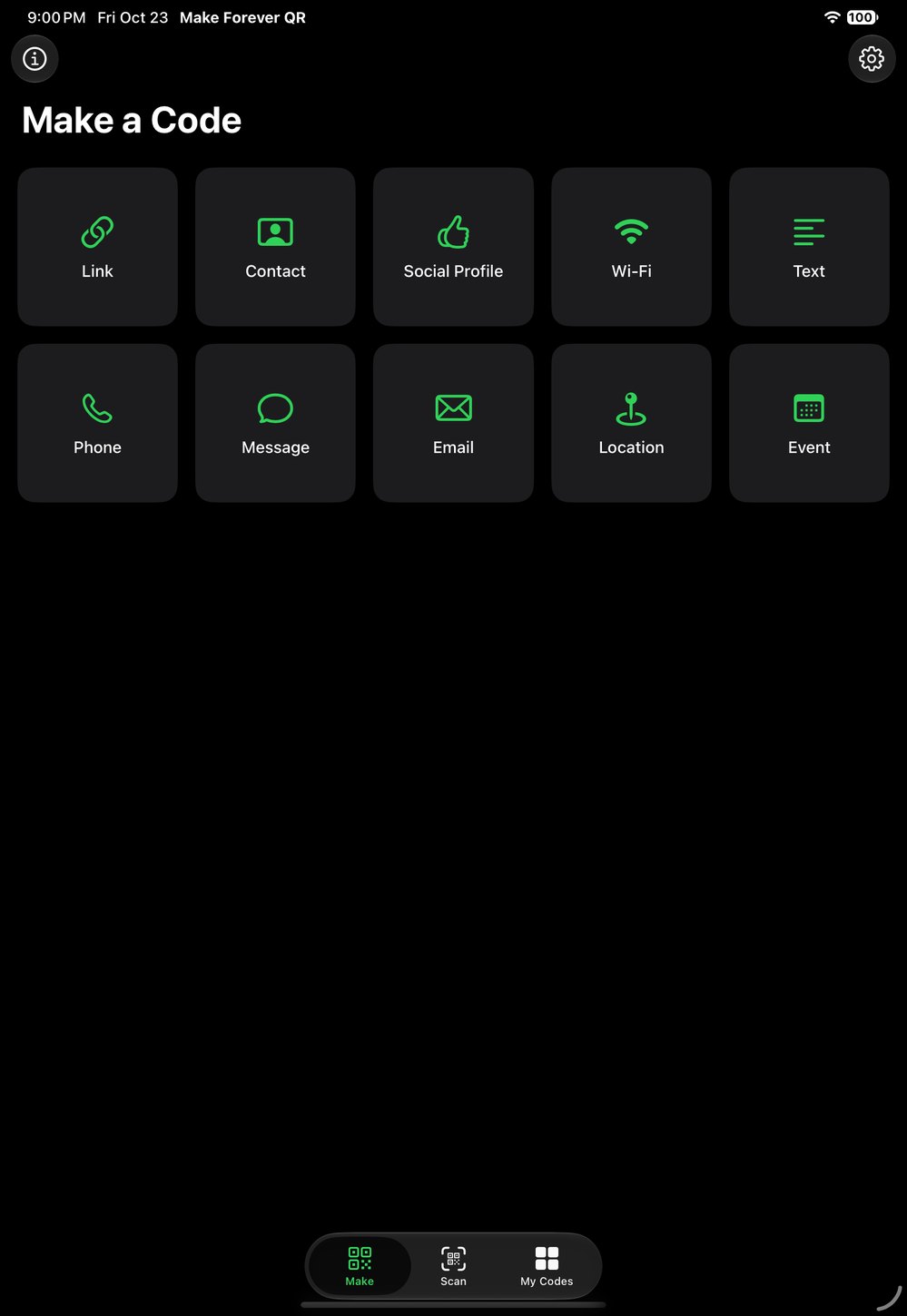
Made for iPad
Uses the whole screen. Sideways, your codes are on the left and the one you pick shows big on the right, ready to scan. When scanning, the camera slides over and the result appears beside it.
Made for iPhone Duo
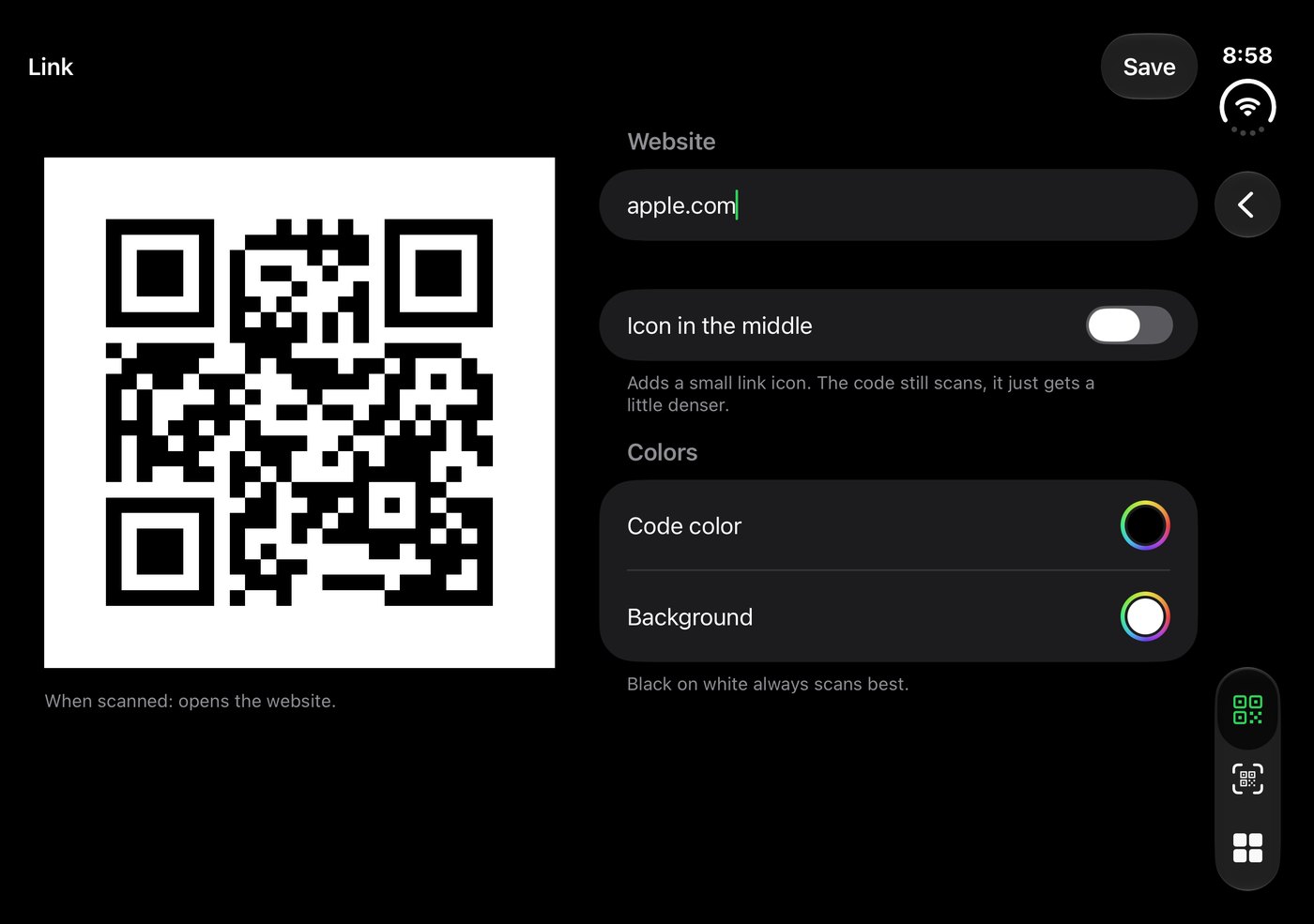
Closed, it works like any iPhone. Open it, and every screen spreads out like on iPad. Half-closed like a book, it splits right on the fold: your list on one page, the code on the other. Open or close it any time and you stay right where you were, even in the middle of editing.
On your wrist
Put a code on your Apple Watch and show it full screen with a tap.
iPhone, iPhone Duo or iPad with iOS 27 or later. Apple Watch optional.